OS Images for VMX
VMX OS Images provide pre-configured Linux operating systems for the Studica VMX Robotics Controller. These builds include Ubuntu with ROS 2 and WPILib environments optimized for robotics development and competition use.
Downloads
Take extreme note
Large Download
Downloads exceed 20 GB.
ROS2 Ubuntu OS Image for VMX
Download latest image for ROS2 on the VMX.
Username: vmx
Password: password
WPILib OS Image for VMX
Download latest image for WPILib on the VMX.
Username: pi
Password: raspberry
Flashing Image to SD Card
Recommended programs for flashing images:
important
Unzip / extract the image before flashing.
Flashing Steps
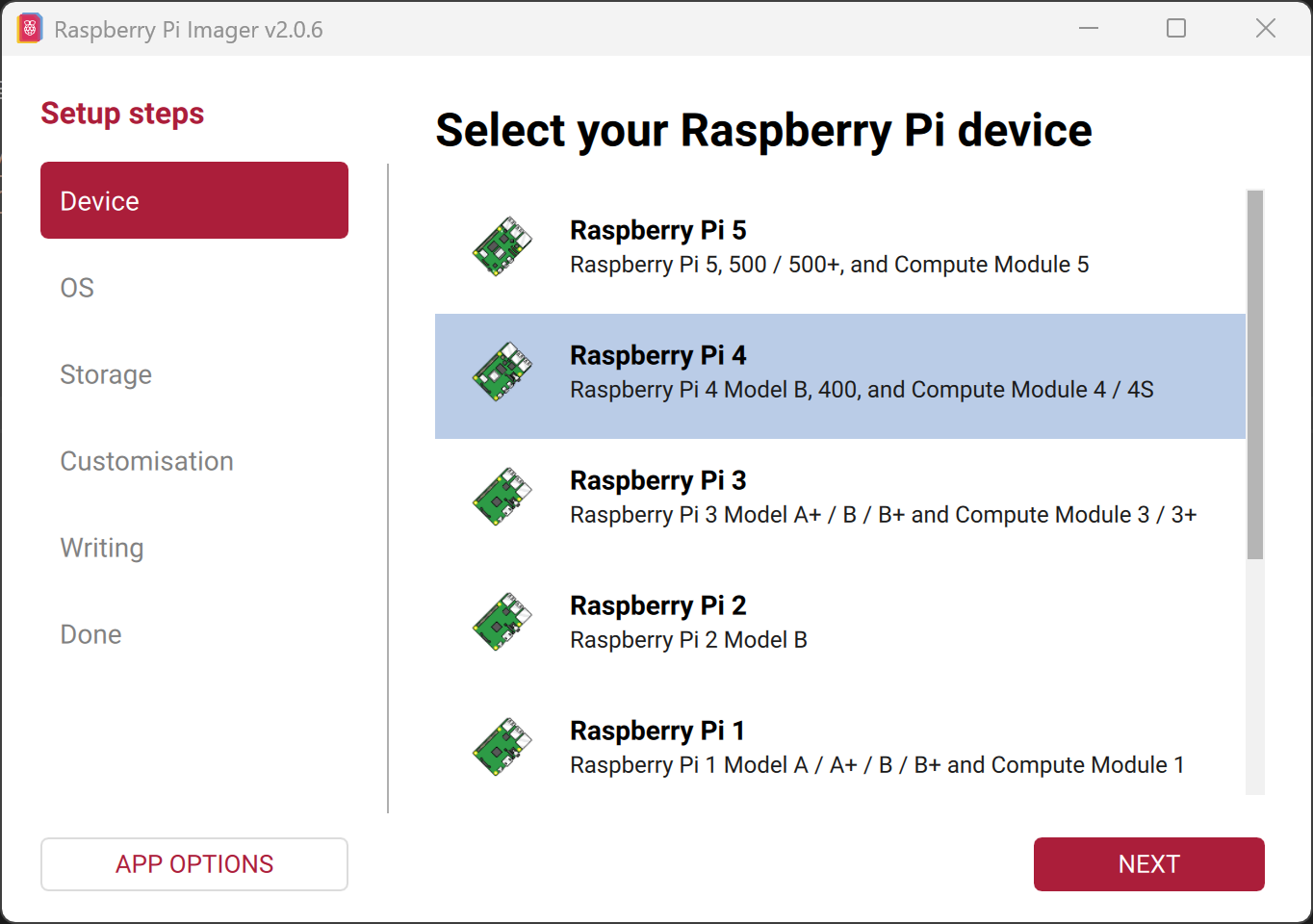
- Open Raspberry Pi Imager, select
Raspberry Pi 4and hitNEXT.
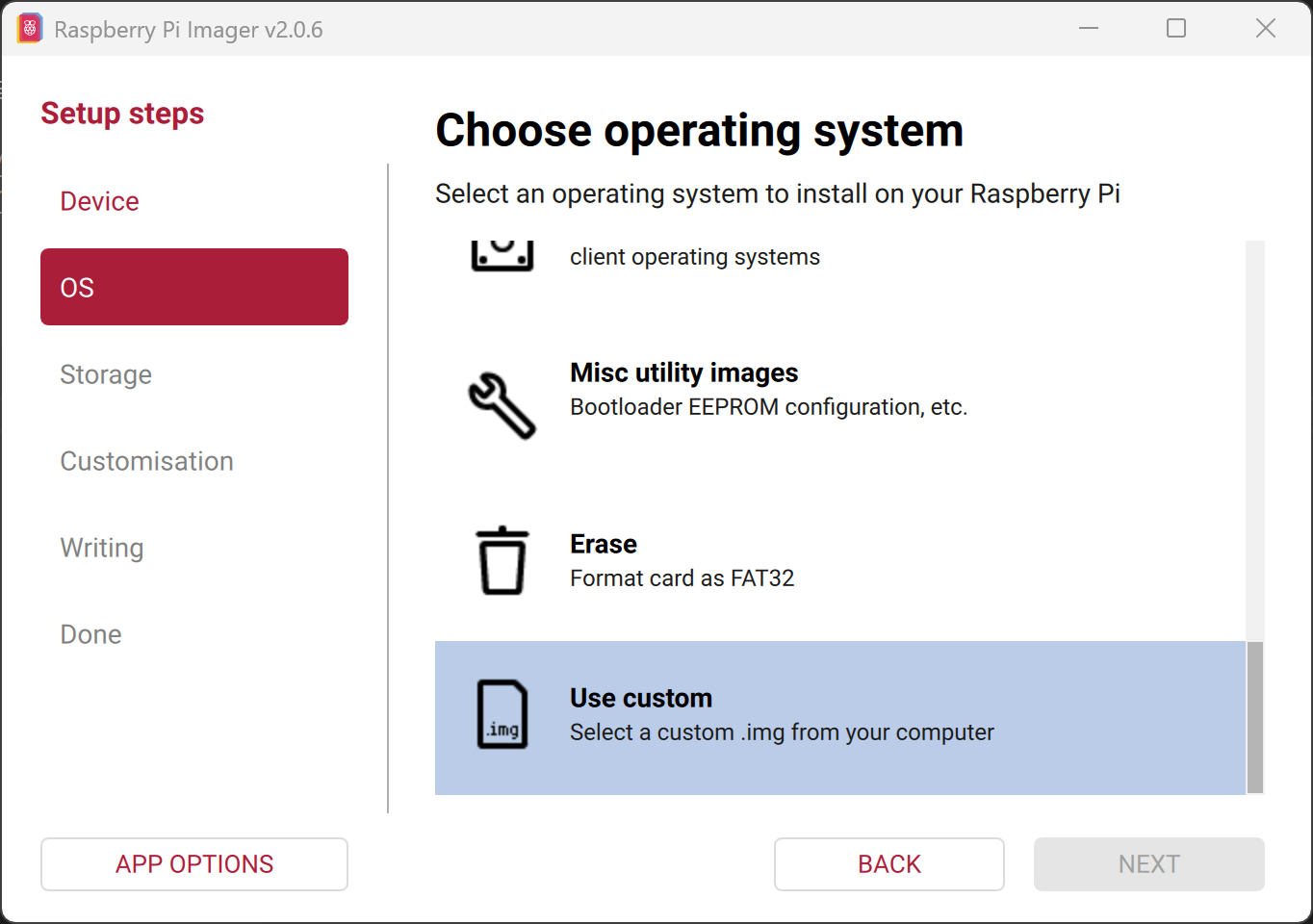
- Scroll down and select
Use custom.
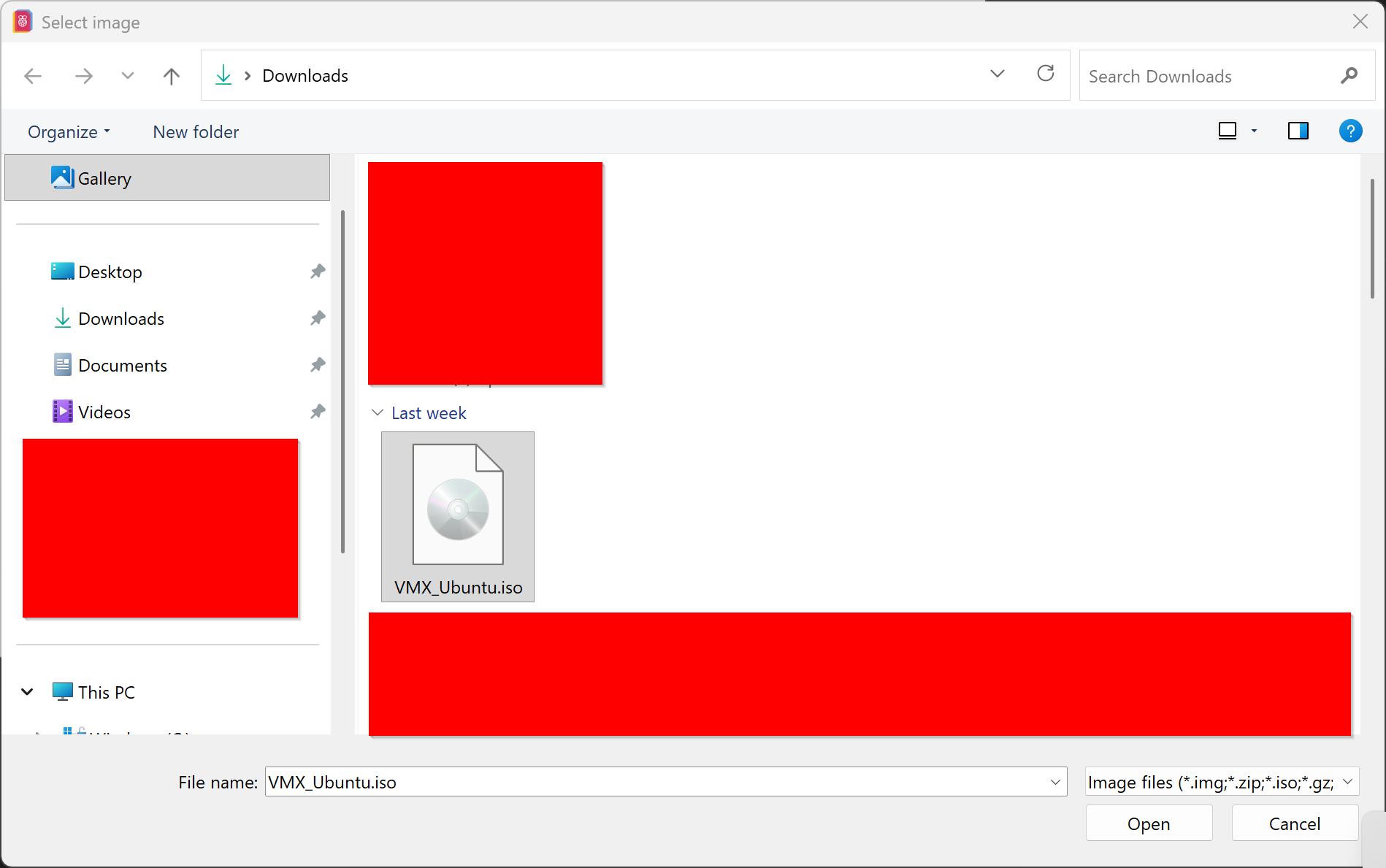
- Select the unzipped OS image, hit
Openand thenNEXT.
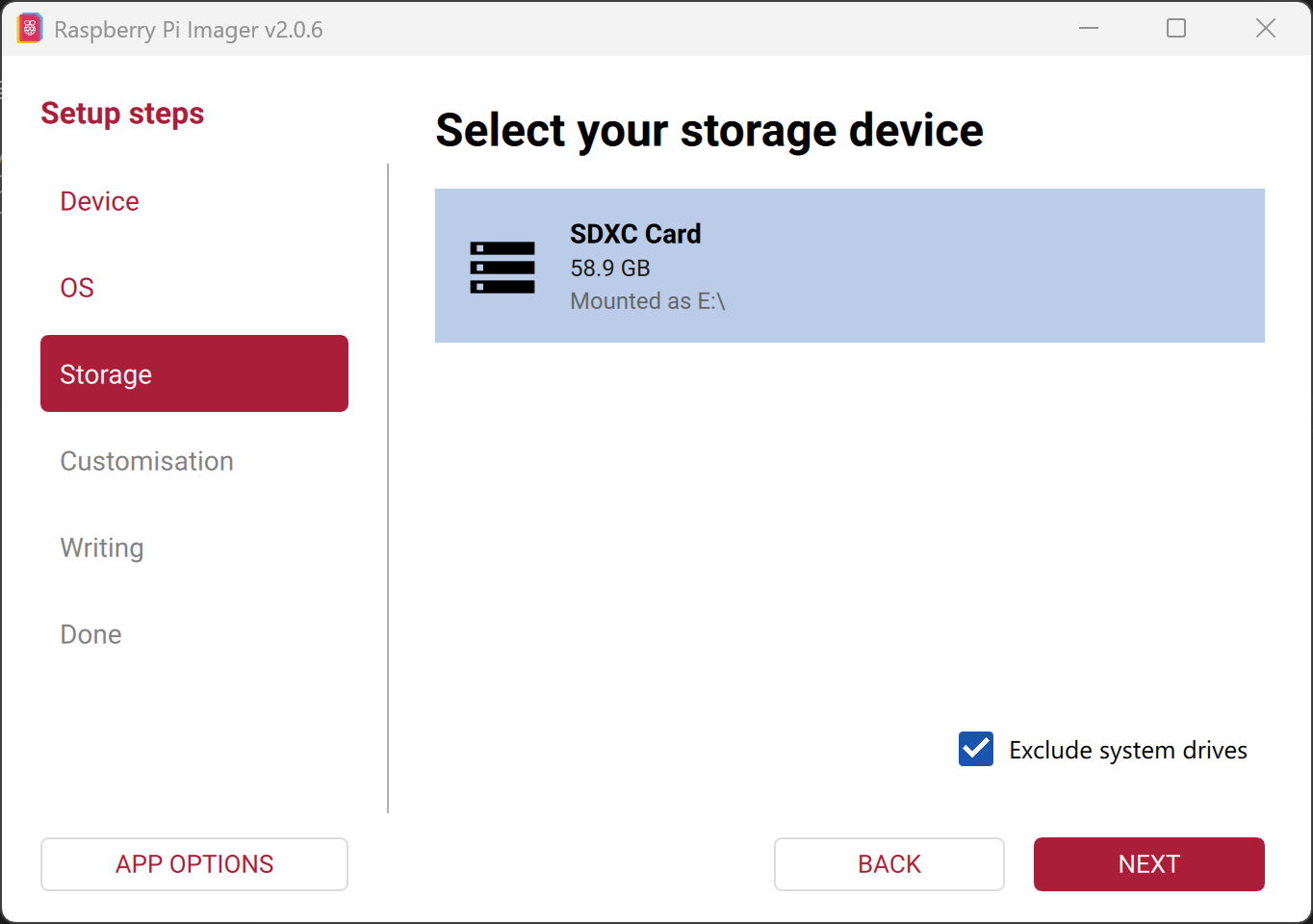
- Select the target SD card and hit
NEXT.
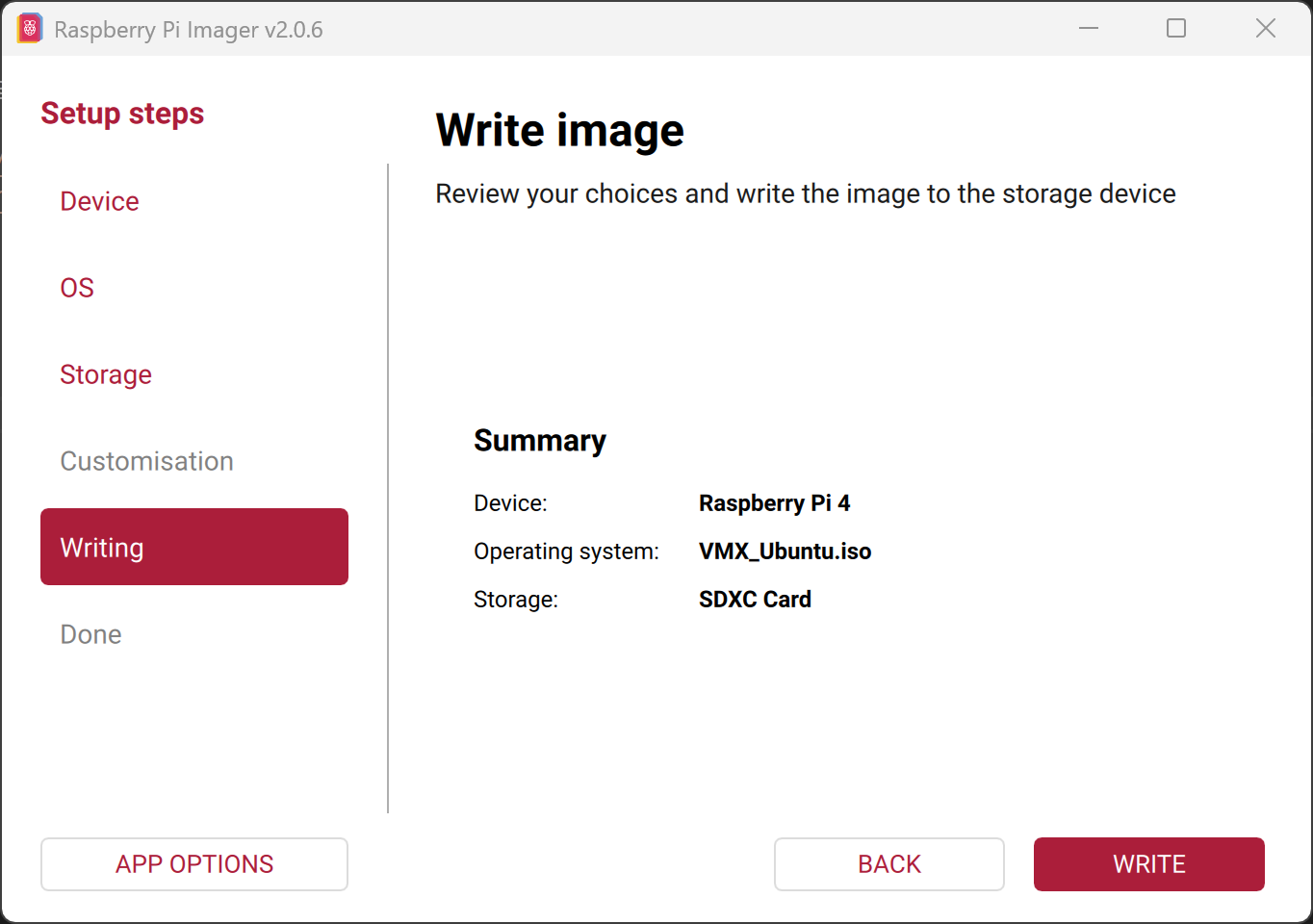
- Hit
WRITE.
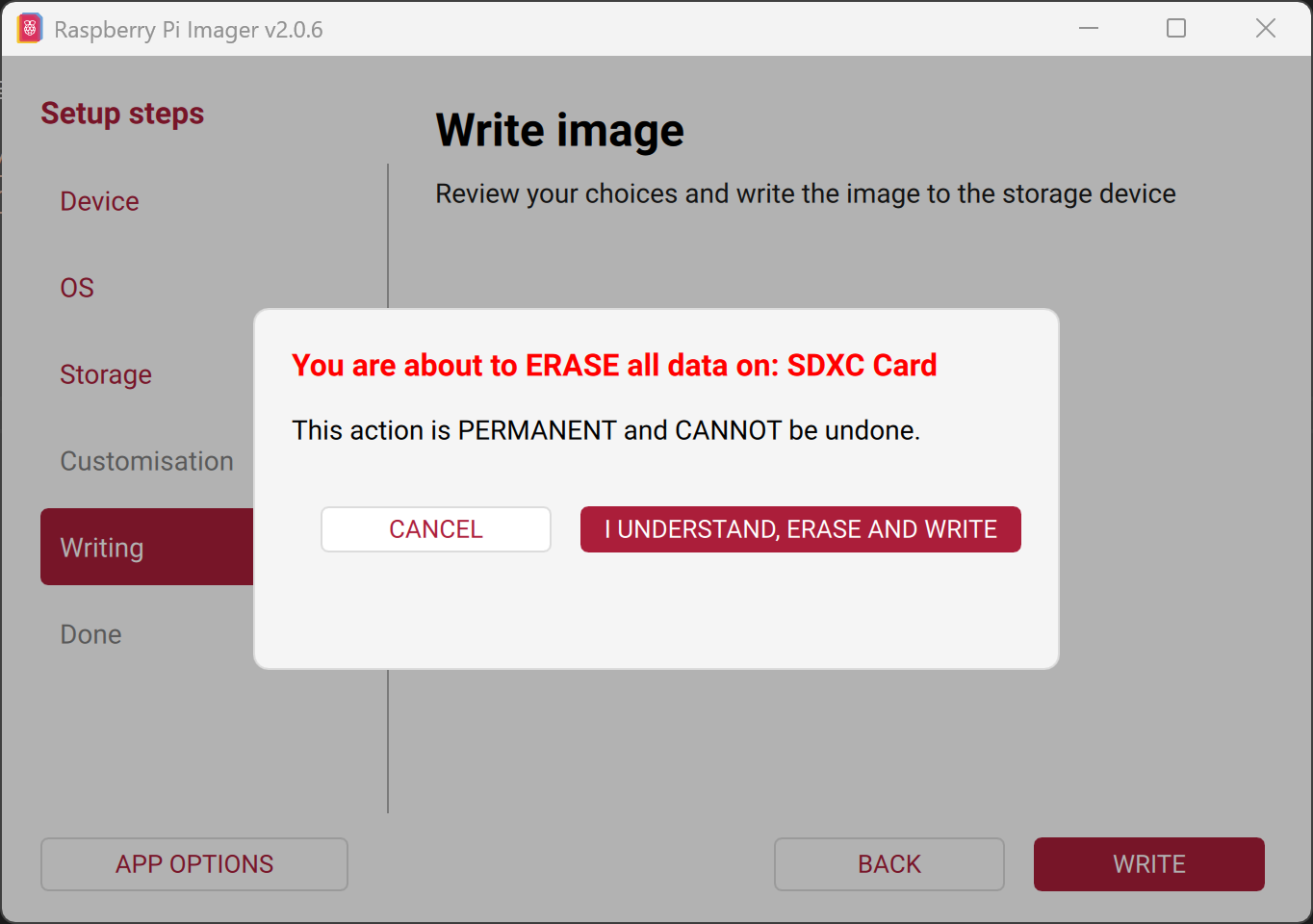
- A prompt will appear to mention erasing the SD card contents. Wait the 3 seconds and hit
I UNDERSTAND, ERASE AND WRITE.
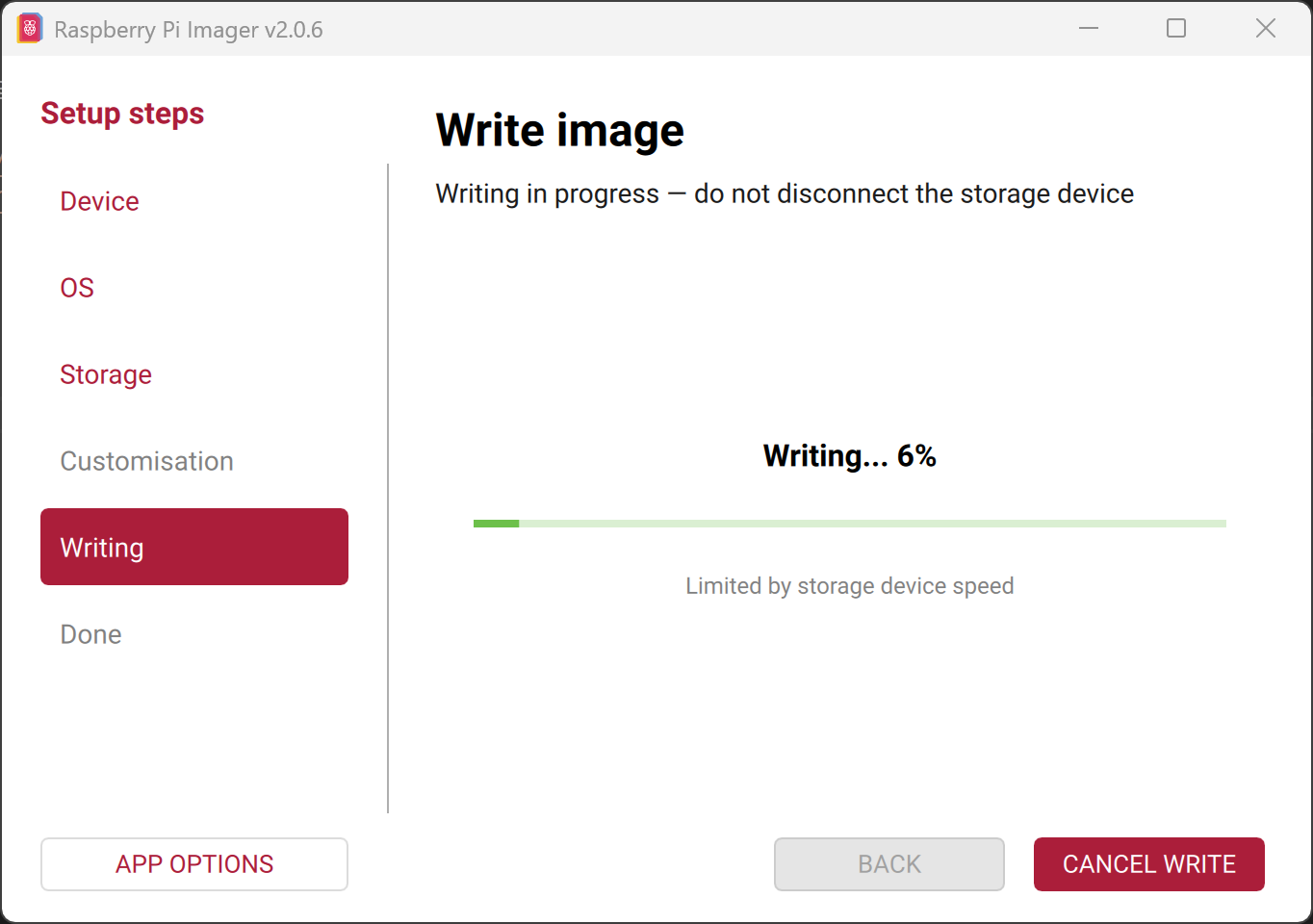
- Imager will start flashing the SD card.
- After flashing it will automatically start verifying.
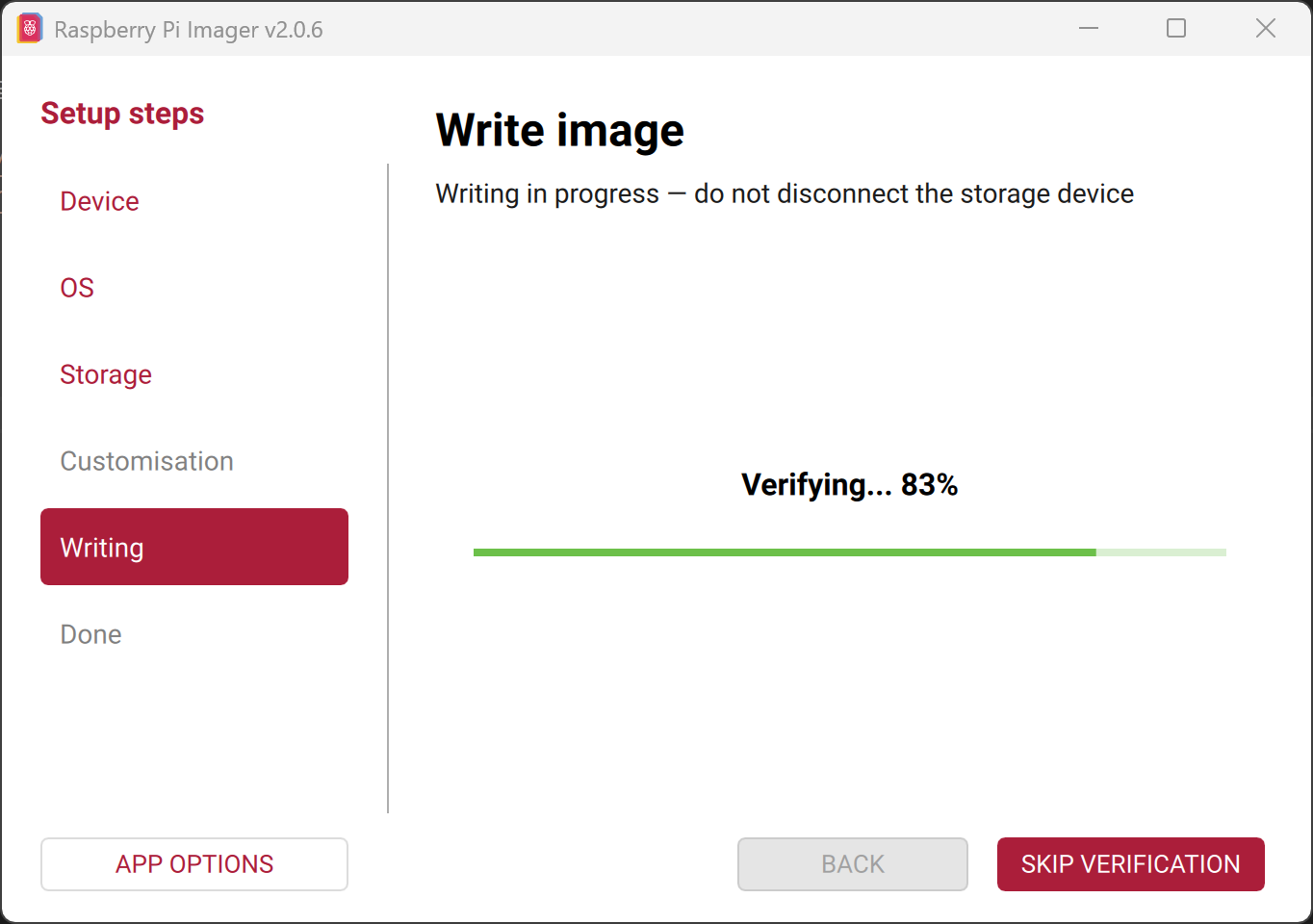
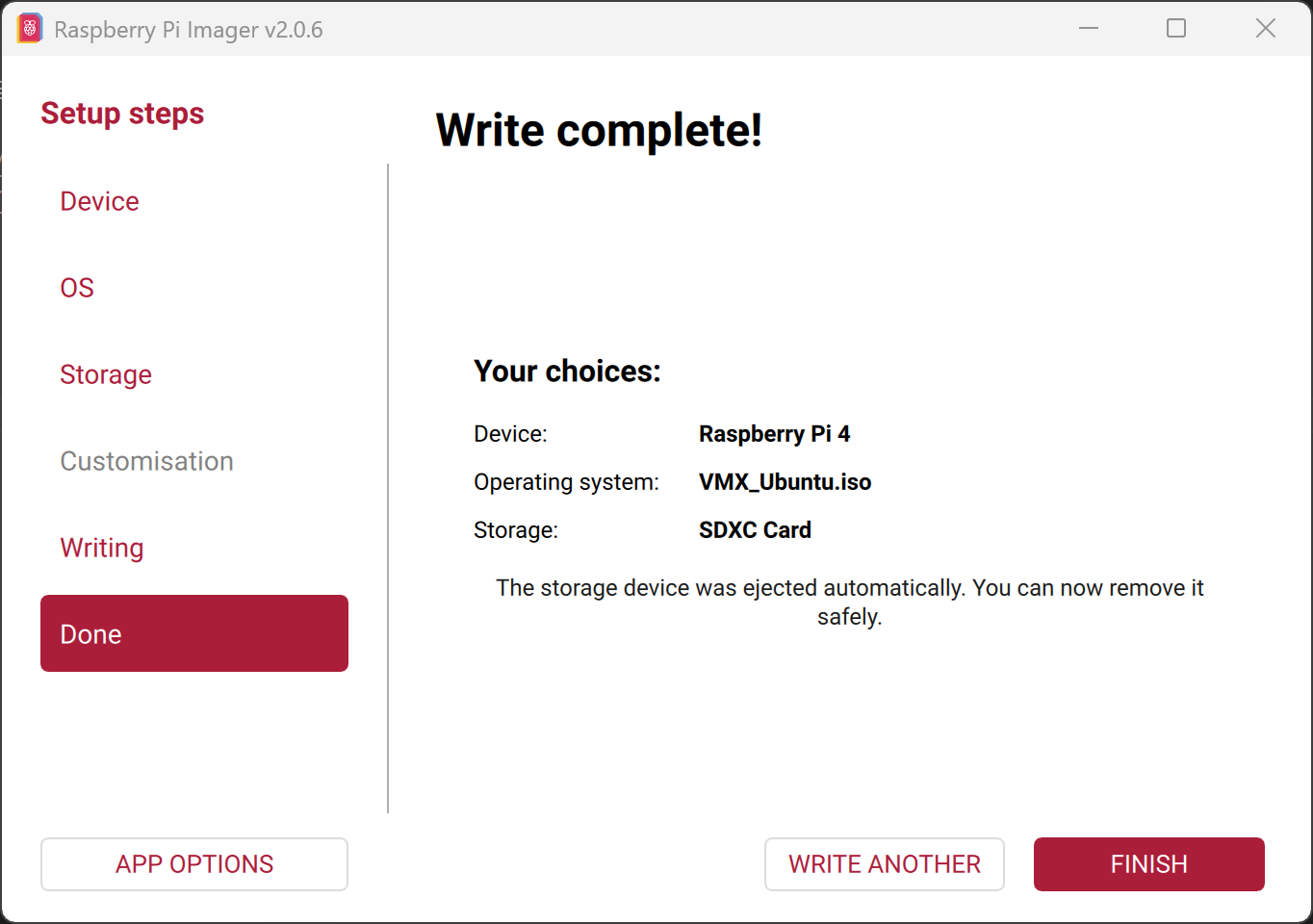
- After writing completes, the system automatically ejects the SD card.