OS Images for Altair
Altair OS Images provide pre-configured Linux operating systems for the Studica Altair Flight Controller. These builds include Ubuntu with ROS 2 and MAVLINK environments optimized for aerial systems development and competition use.
Downloads
Take extreme note
Large Download
Downloads exceed 5 GB.
Flashing Image to SD Card
Recommended programs for flashing images:
important
Unzip / extract the image before flashing.
Flashing Steps
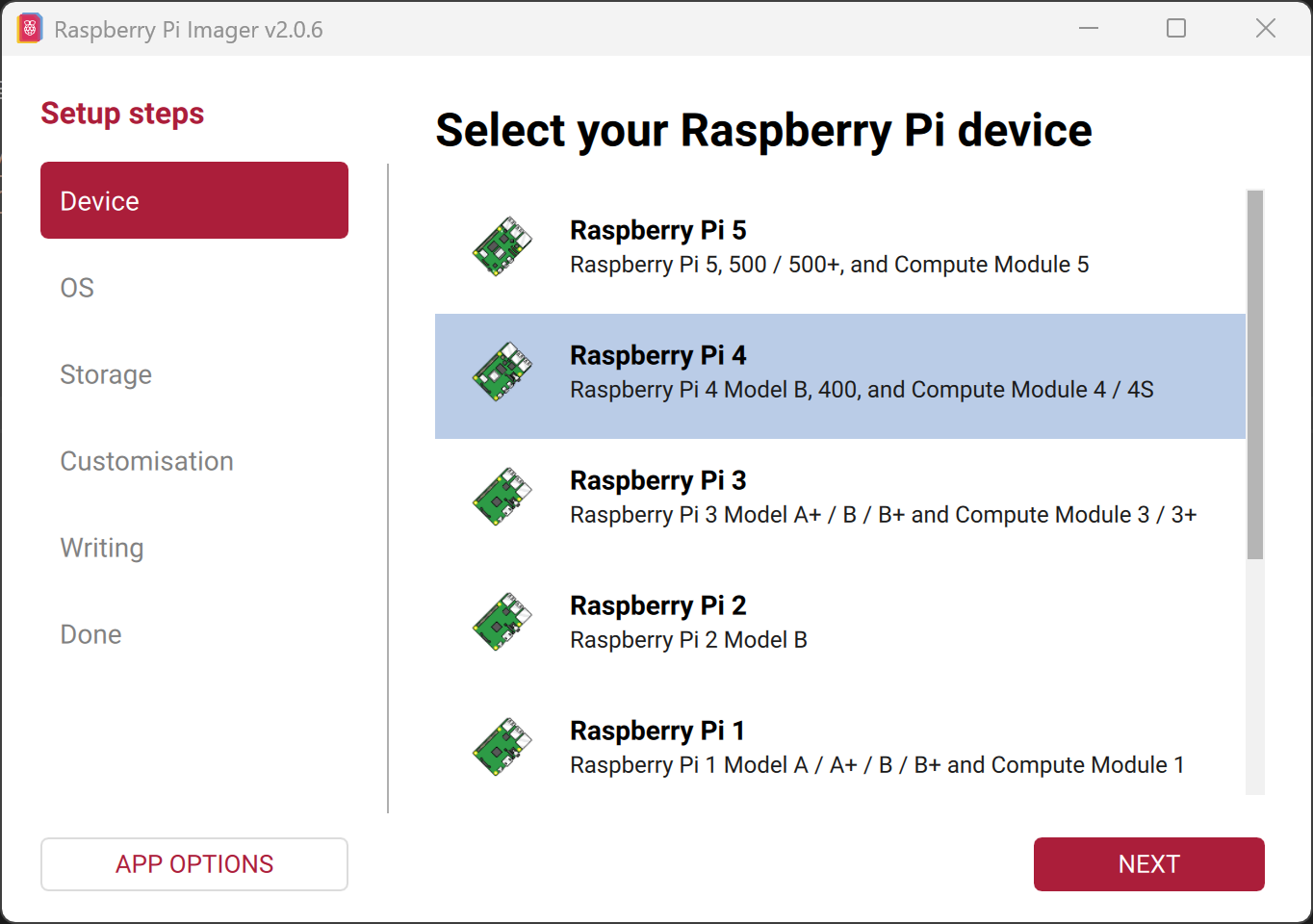
- Open Raspberry Pi Imager, select
Raspberry Pi 5and hitNEXT.
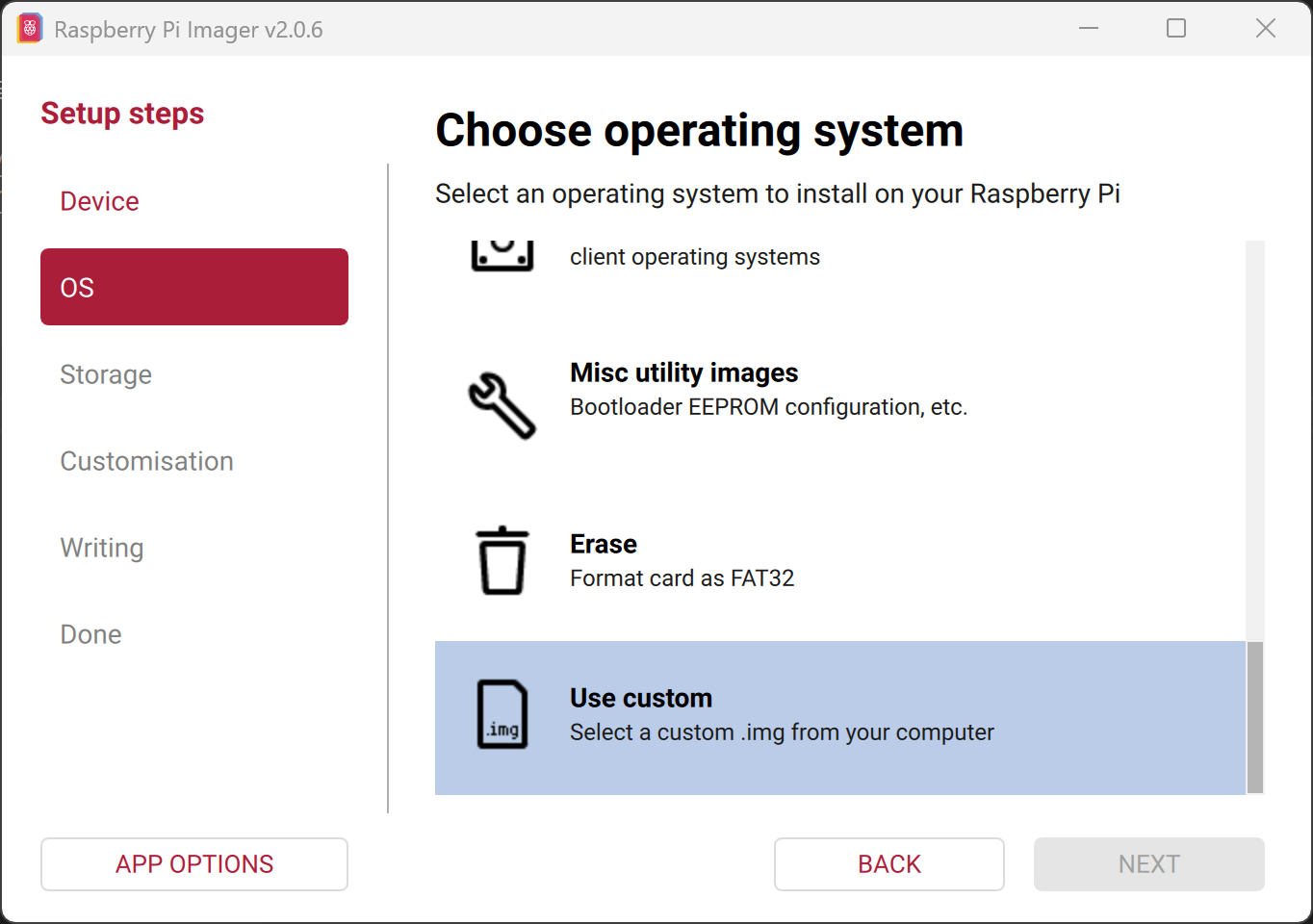
- Scroll down and select
Use custom.
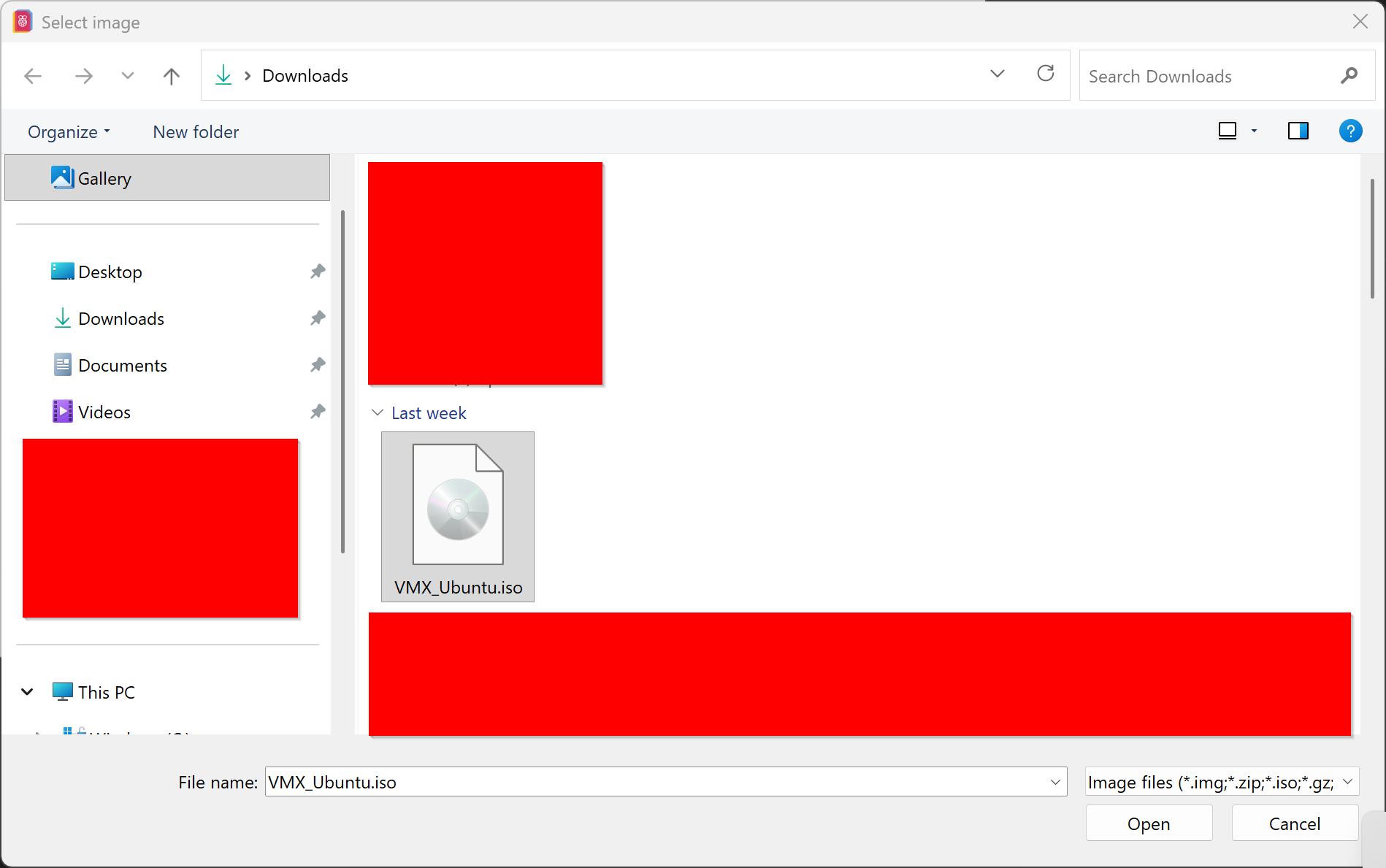
- Select the unzipped OS image, hit
Openand thenNEXT.
- Select the target SD card and hit
NEXT.
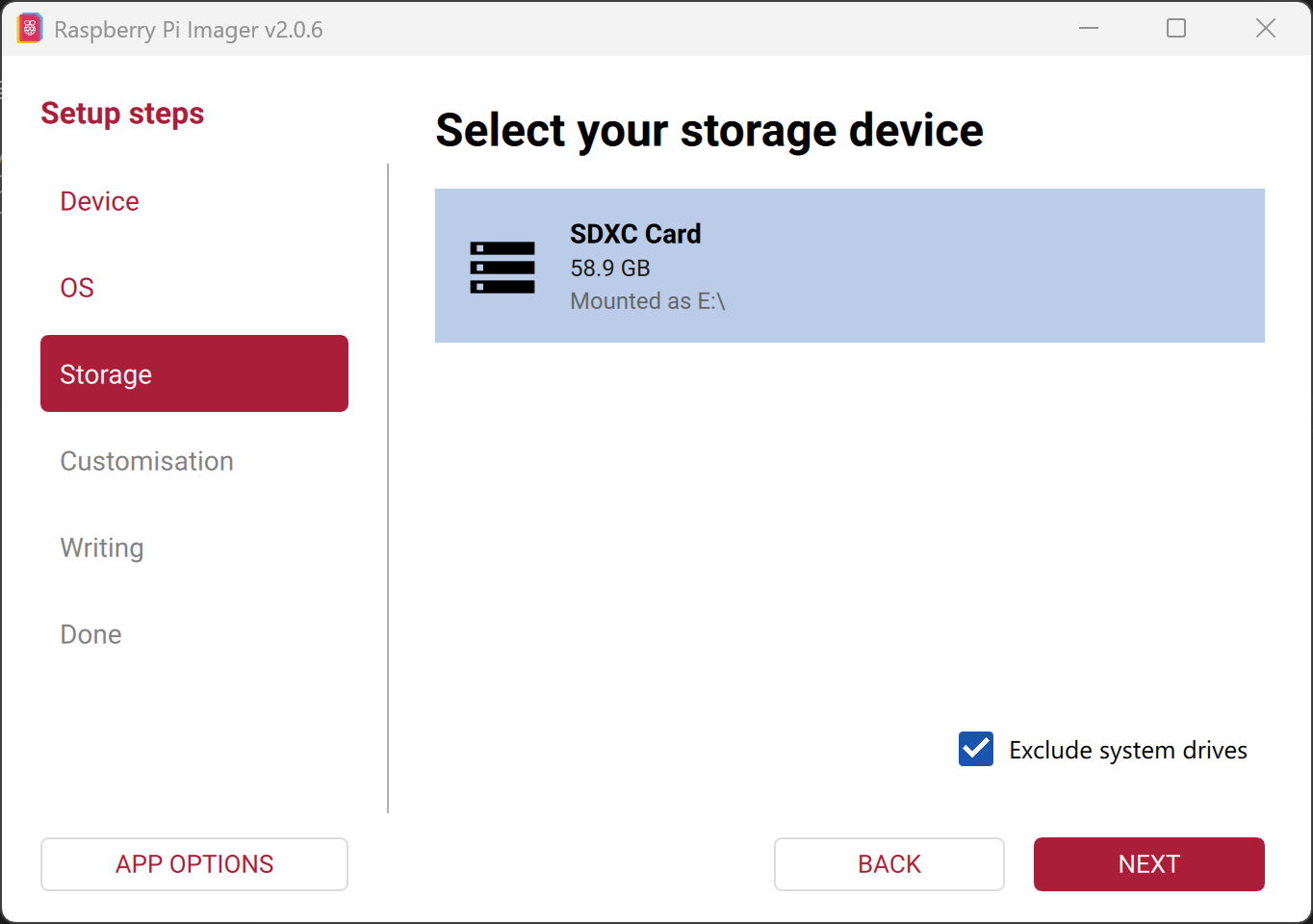
- Hit
WRITE.
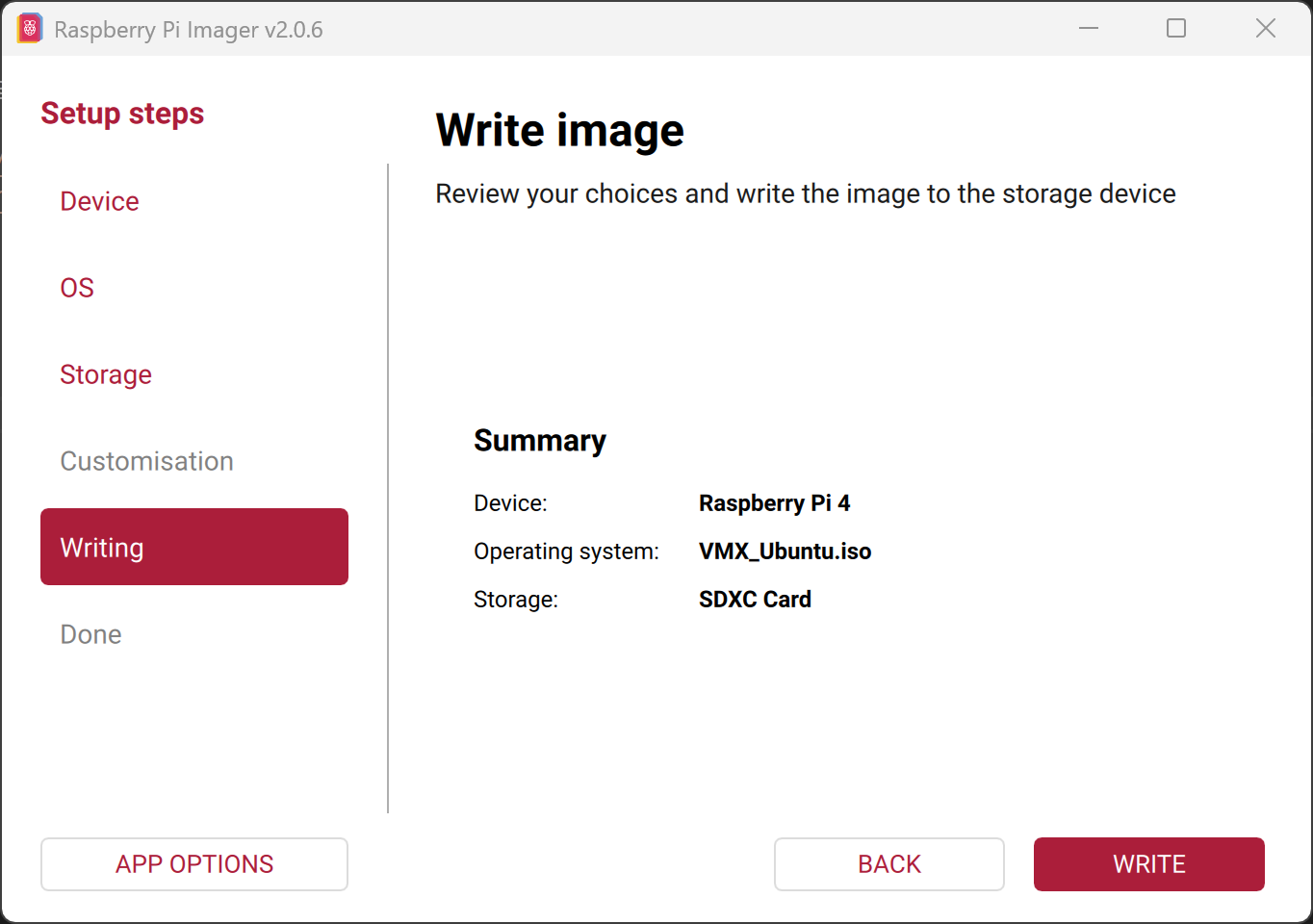
- A prompt will appear to mention erasing the SD card contents. Wait the 3 seconds and hit
I UNDERSTAND, ERASE AND WRITE.
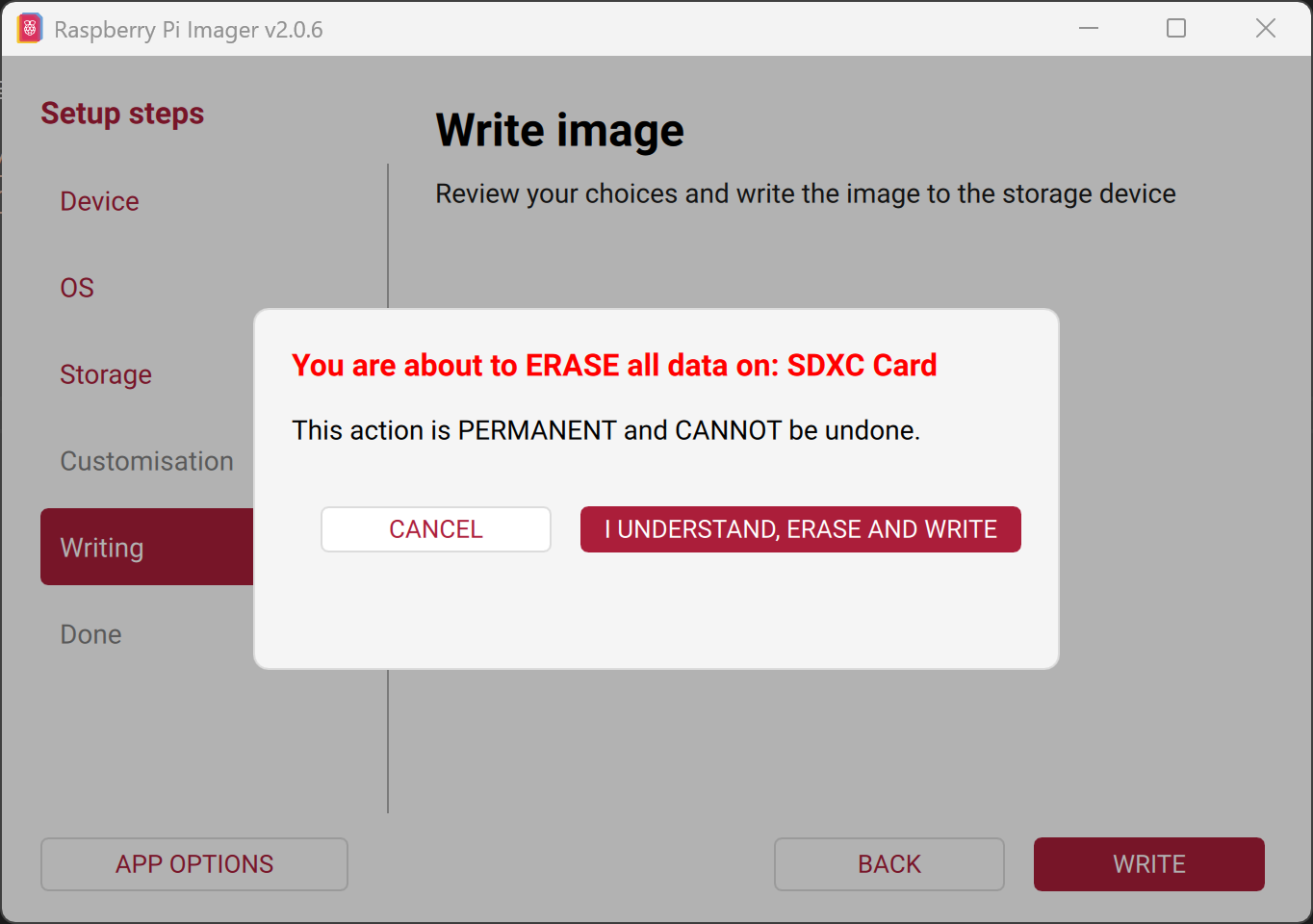
- Imager will start flashing the SD card.
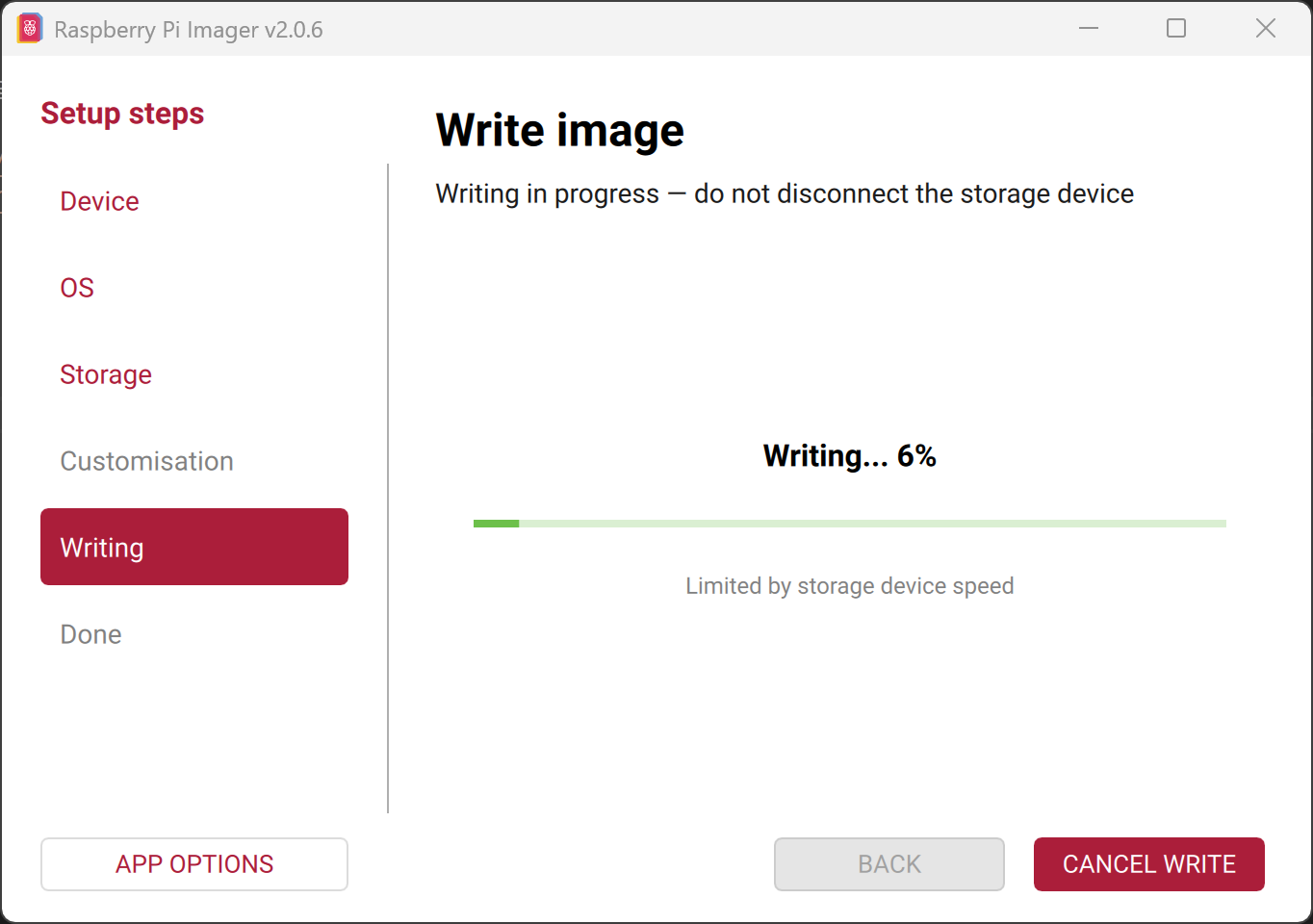
- After flashing it will automatically start verifying.
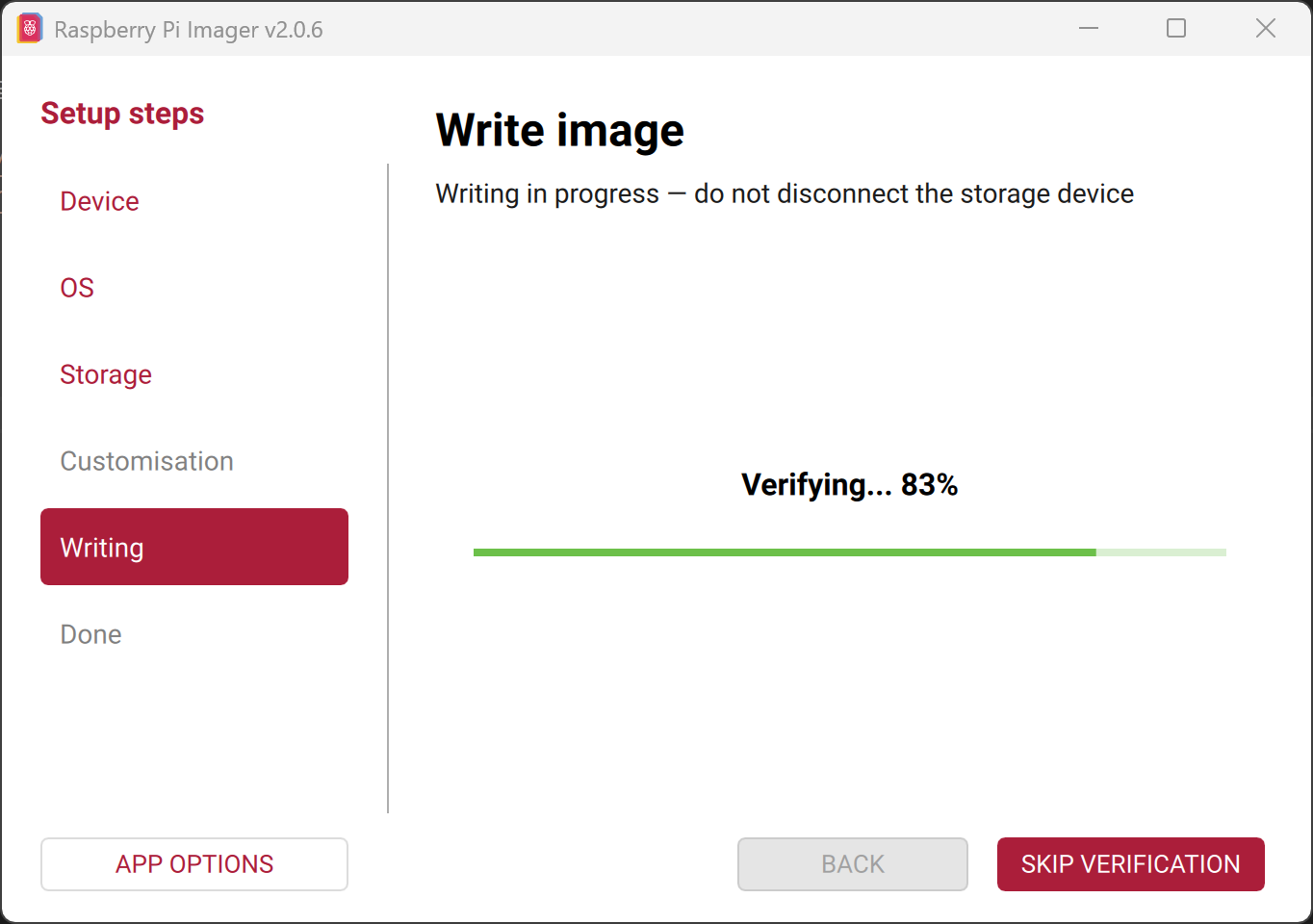
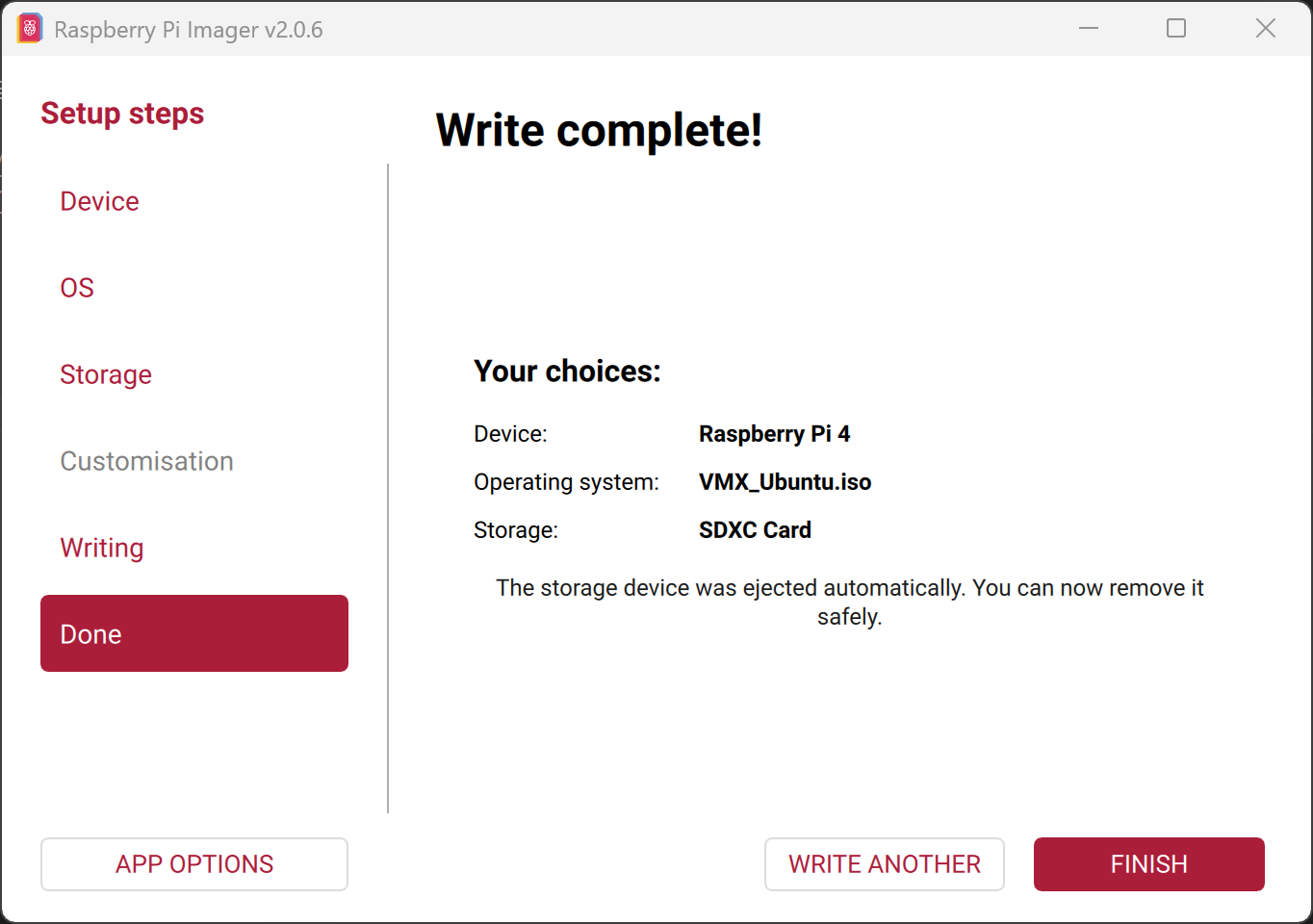
- After writing completes, the system automatically ejects the SD card.